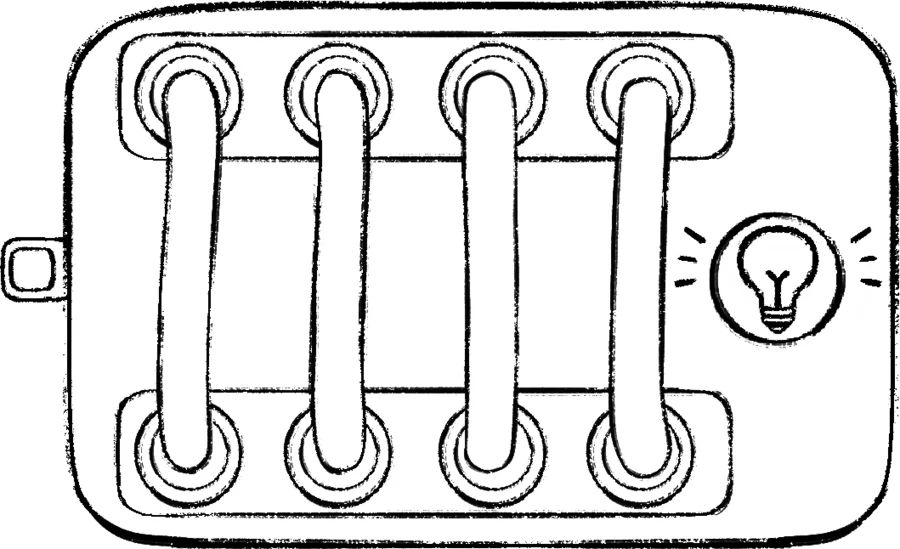
 Defusal
Easy4 × 2 grid
Cable
Cut the correct cable based on the number of cables connected to the module, and the color of the active light.
Read module guideFind the official rule for every BOMBANANA! defusal and Chaos module, compare difficulty, and jump to campaign levels where the module has a fixed slot.
Showing all 14 modules
DefusalCut the correct cable based on the number of cables connected to the module, and the color of the active light.
Read module guide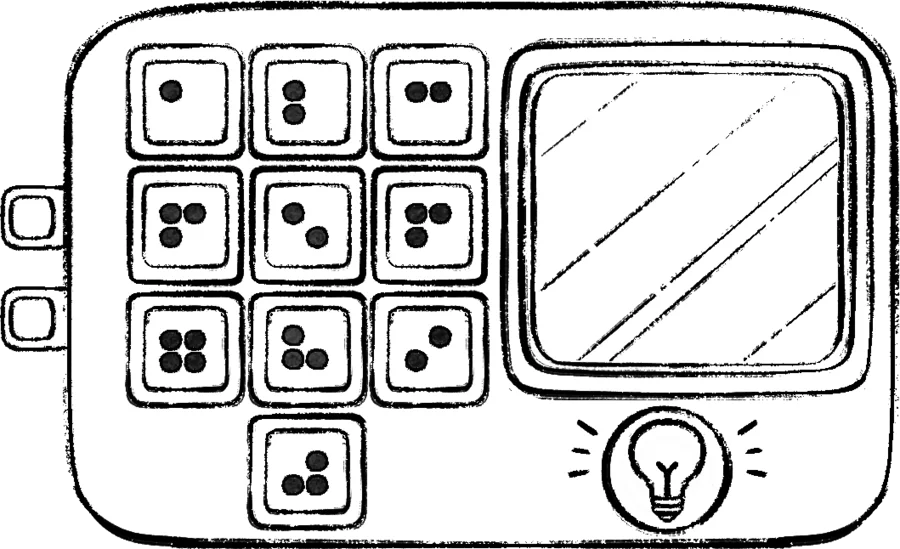 Defusal
After entering the displayed result, press the correct button based on the color of the active light, and whether the result is odd or even.
Read module guide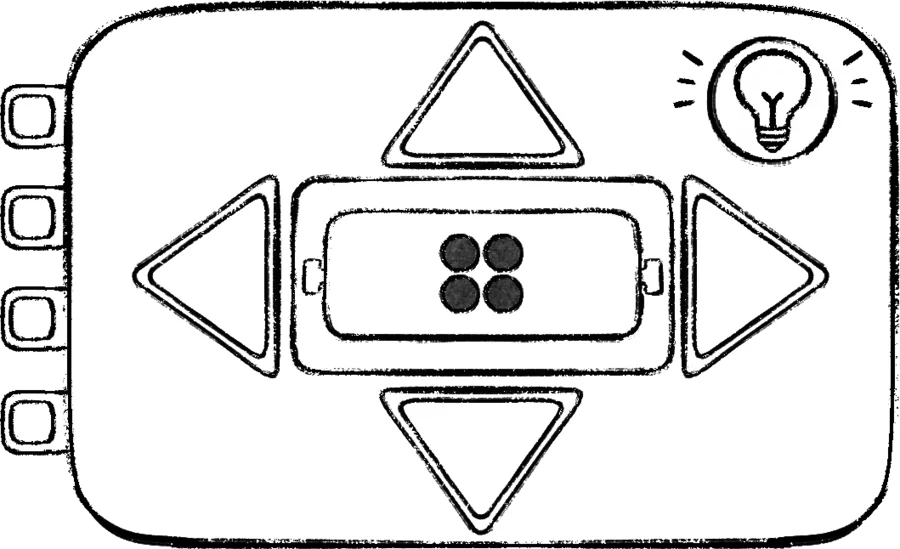 Defusal
Press the correct direction button based on the number written in Braille, and the color of the active light.
Read module guide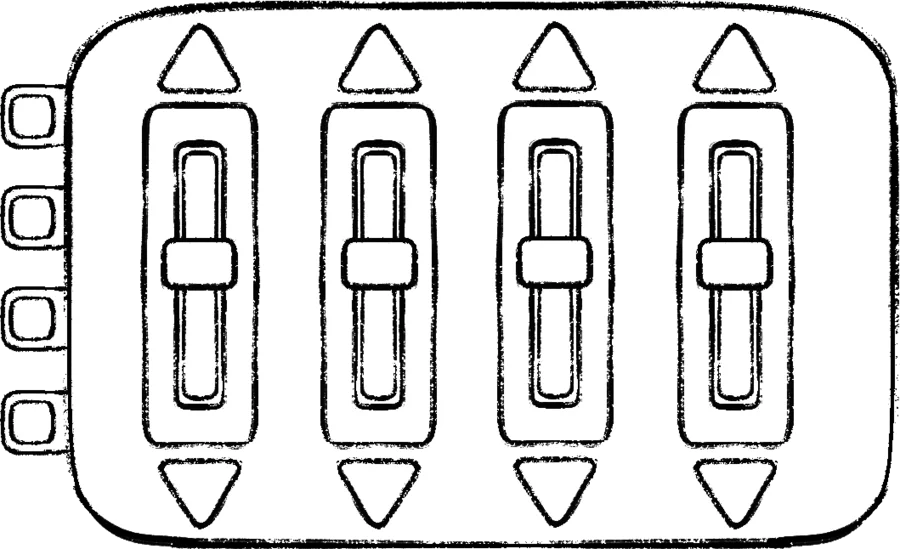 Defusal
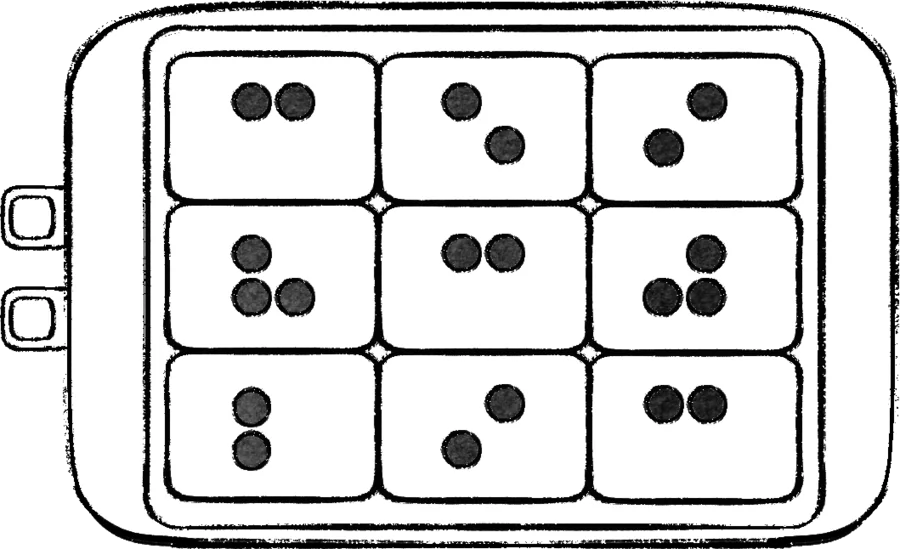 Defusal
Press the buttons until you find one that makes a sound. Then, based on the Braille number written on that button and its color, press the buttons at the positions marked in the table.
Read module guide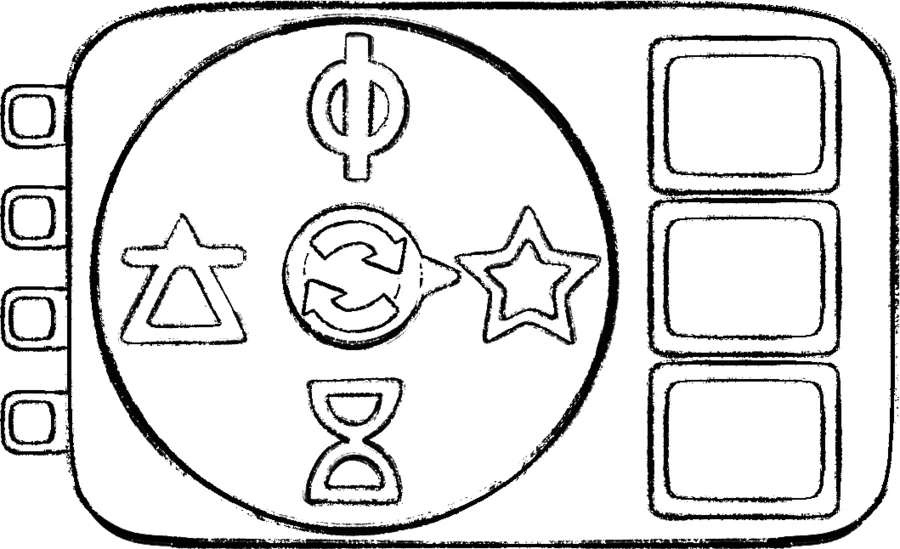 Defusal
Rotate the pointer to find the symbol that makes a sound. Press the correct colored button based on the current stage, and that symbol.
Read module guide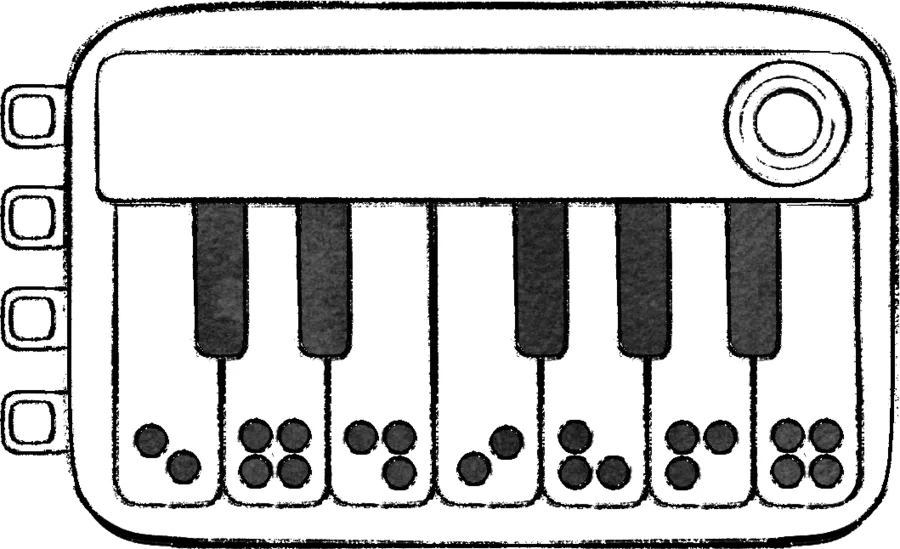 Defusal
Play the notes in sequence based on the octave number written in Braille, and the color of the active light.
Read module guide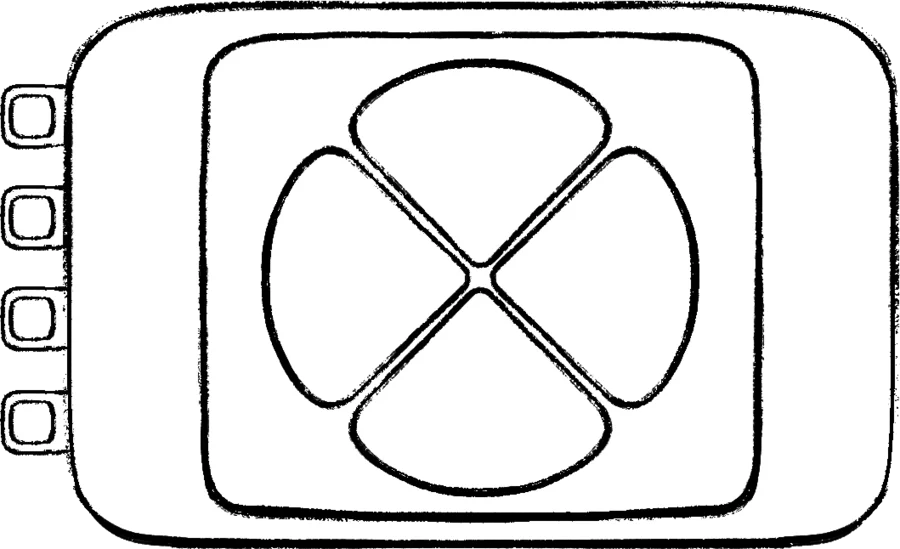 Defusal
Press the button corresponding to the heated button color shown in the table. For each subsequent stage, repeat the previous buttons in order, then press the button corresponding to the current stage.
Read module guide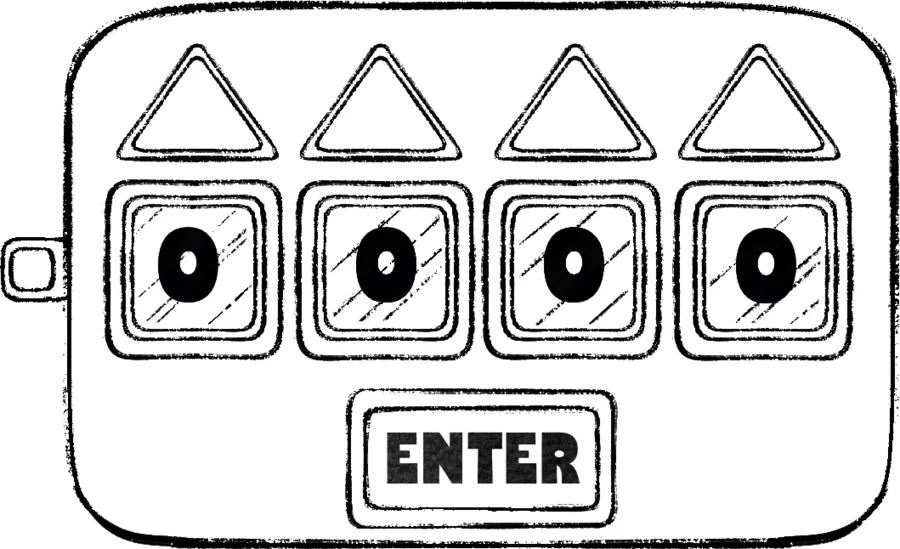 Defusal
Enter the numbers represented by the Morse code played by each display socket, then press ENTER.
Read module guide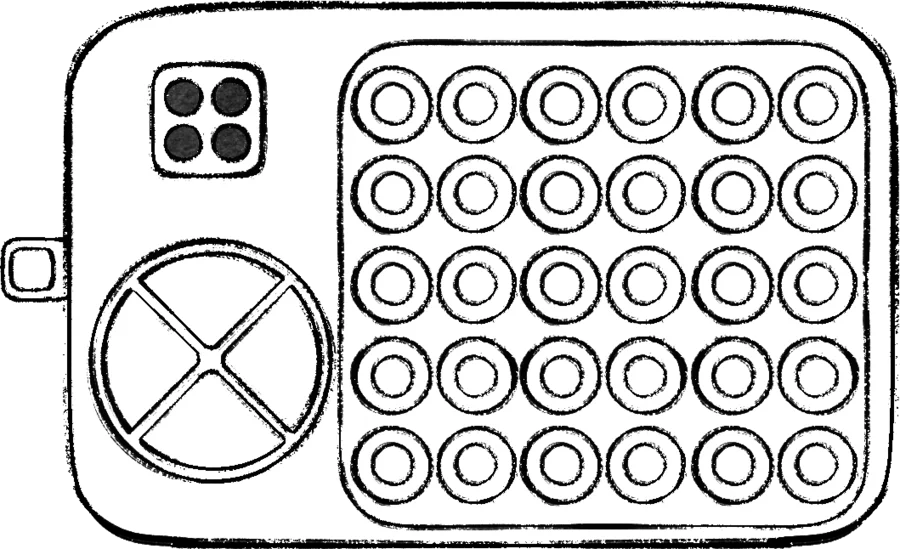 Defusal
Use the maze number written in Braille to move the red dot to the point with the green light.
Read module guide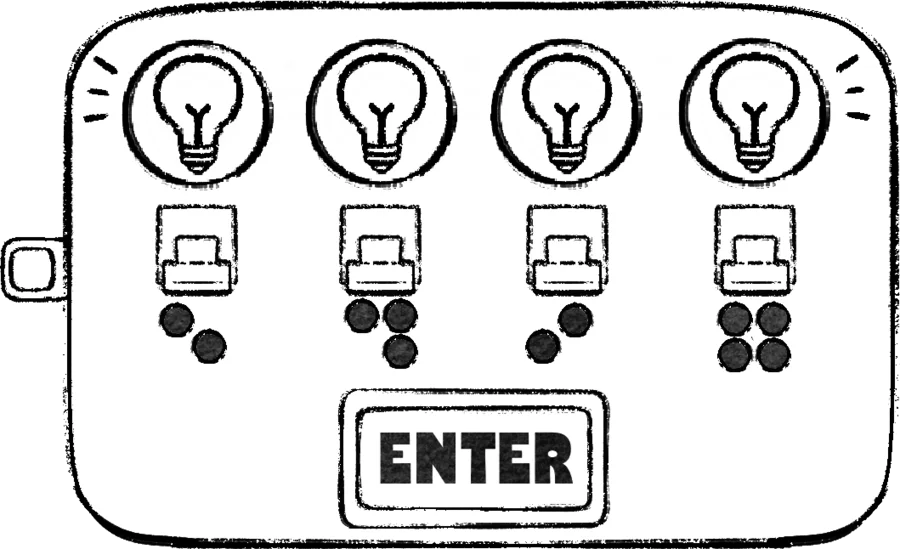 Defusal
Toggle the switches on or off according to the left-to-right sequence of colored lights, and the Braille number beneath them, then press ENTER.
Read module guide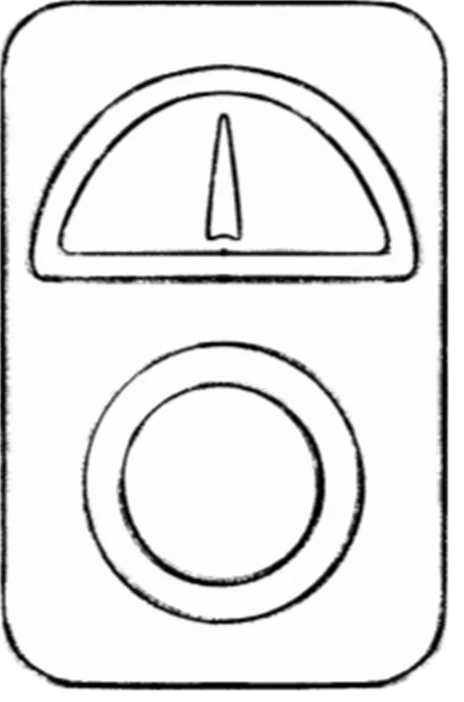 Chaos
ChaosLower the rising pressure needle by repeatedly pressing the center button. Continue until the bomb is defused.
Read module guide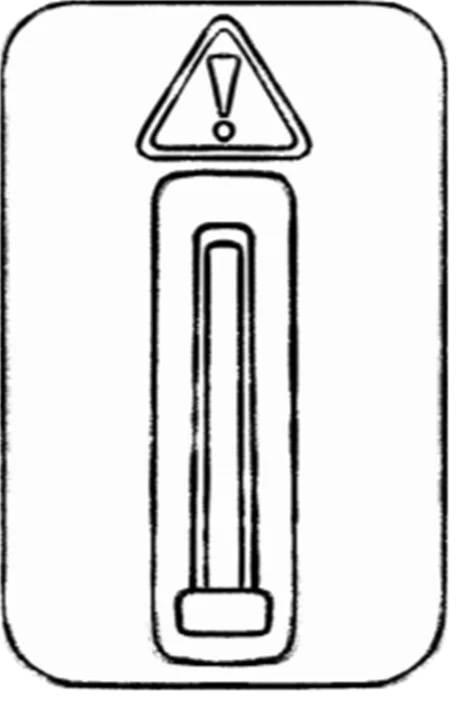 Chaos
ChaosPull down the continuously rising slider. Continue until the bomb is defused.
Read module guide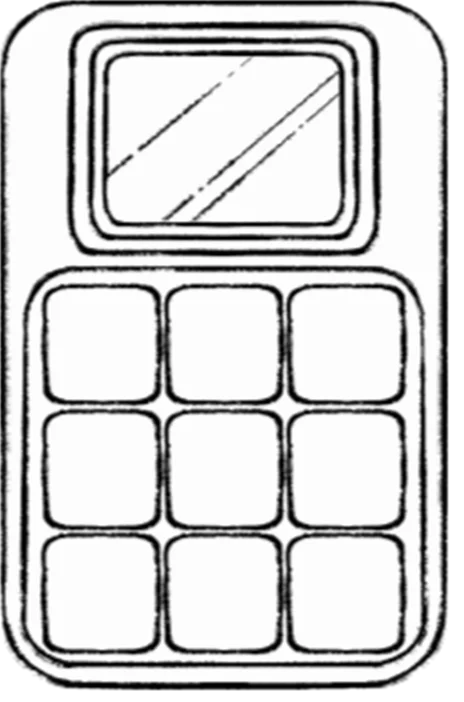 Chaos
ChaosAfter the alarm activates, press every heated button within 10 seconds. Continue until the bomb is defused.
Read module guideTry a module name such as Cable, Maze, or Alarm.
Easy, Medium, and Hard are the game’s module tiers. Campaign appearances count fixed module slots only; a random difficulty pool can choose a module without guaranteeing it.
Read coverage notes →